
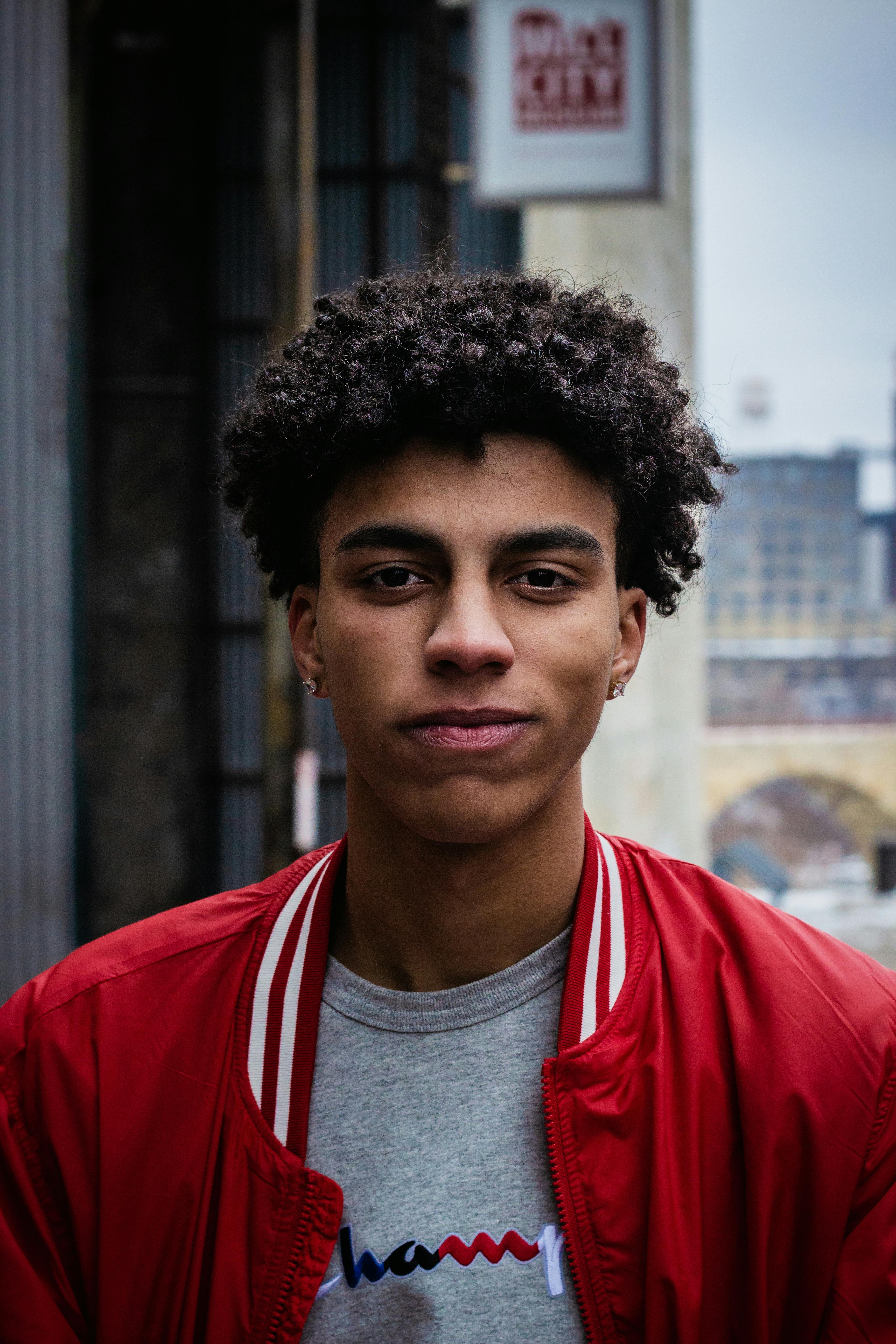
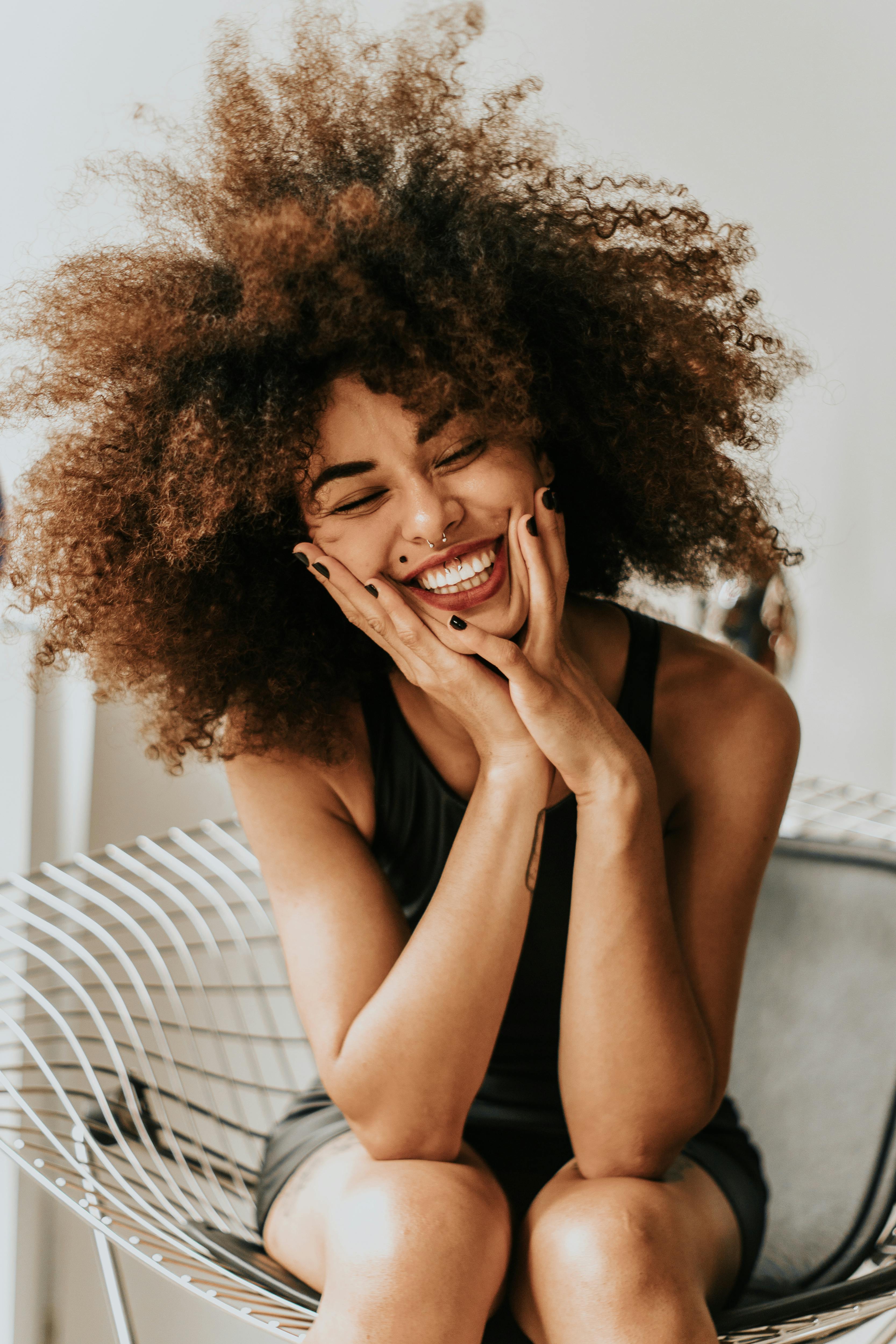
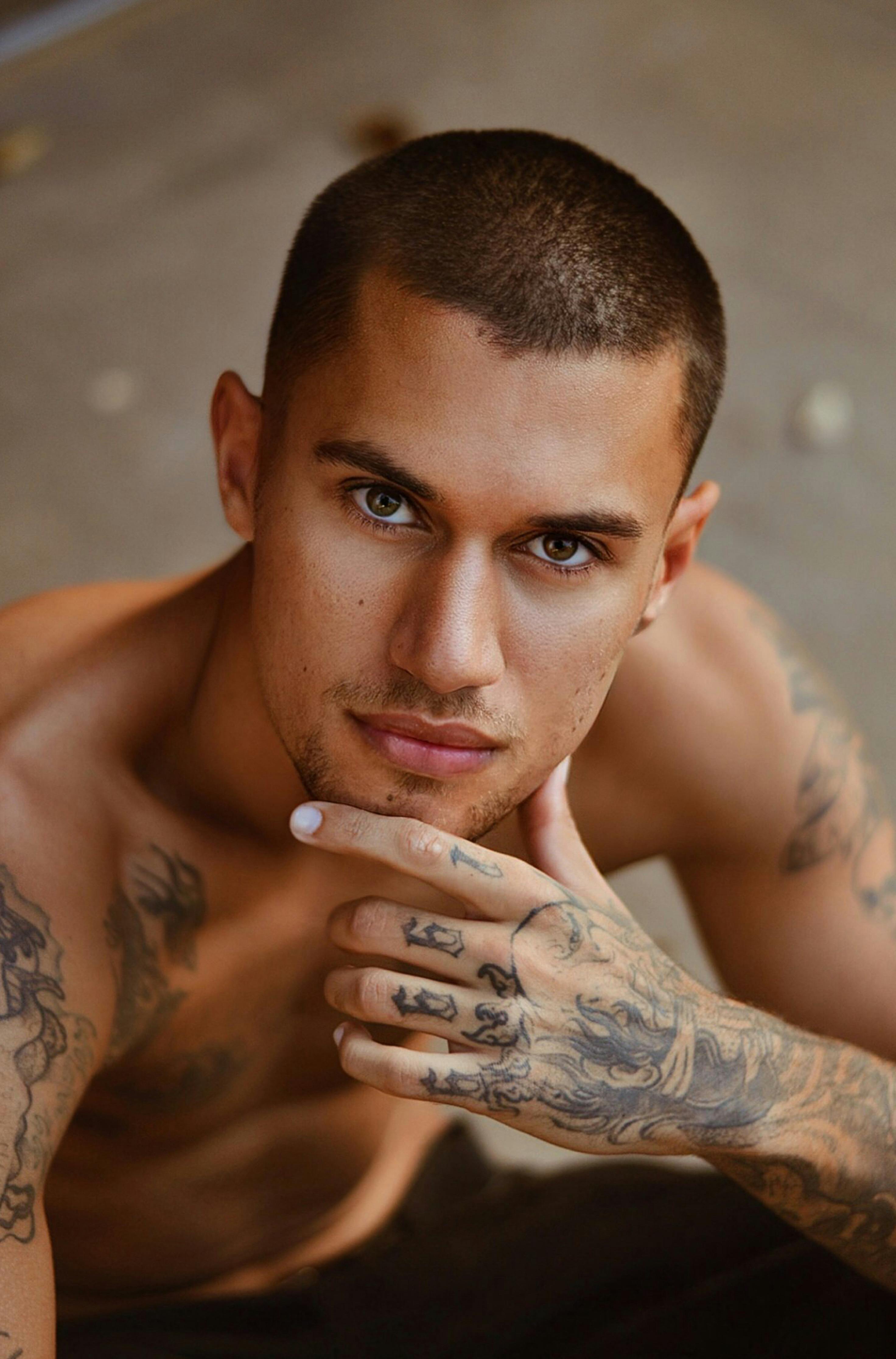
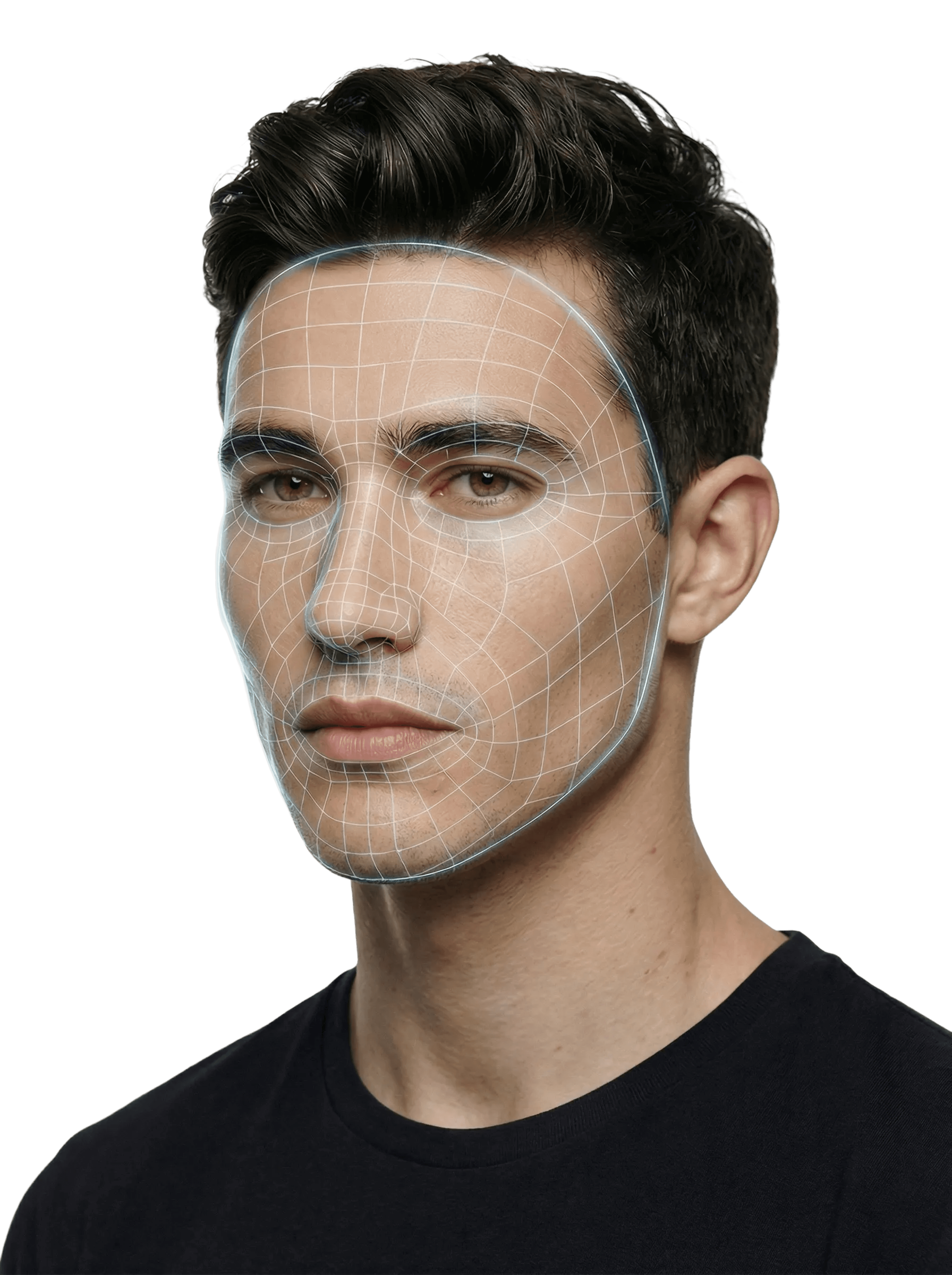
PFP Test: How to Check Your Profile Picture Before Posting
A PFP test helps you check whether your profile picture looks clear, recognizable, and well-framed before you post it. This type of profile picture test focuses on the crop, lighting, background, and how your photo appears as a tiny avatar on Instagram, TikTok, Discord, or other platforms.
A good profile picture isn't necessarily the photo where you look most attractive. It's the one that works for the platform and makes the impression you want. If you're more interested in how your appearance comes across in a photo, see our rate my photo.
PFP Test: How to Check Your Profile Picture
You don't need a numerical rating to run a basic profile picture test. Start with a clear photo, crop it into a circle, and check whether the main subject remains recognizable at a small size. Then compare the lighting, background, and overall impression with one or two alternative photos.
1. Check the Crop and Face Position
Most social platforms display profile pictures as circles, even when you upload a square image. Anything close to the corners may disappear.
To check your crop:
Open your photo in an editor that supports circular previews.
Place your face or main subject near the center of the circle.
Leave enough space around the head so the crop doesn't cut off your chin, hair, or other important details.
Check the result at both full size and thumbnail size.
Choose the right amount of your face to show. A face-only close-up makes details larger, but can feel cramped. A full-body shot provides context but may make your face too small to recognize. A head-and-shoulders portrait is often a useful middle ground.
In Photofeeler's analysis of 800 professional profile photos, face-only close-ups were associated with slightly lower Likability ratings, while full-body shots were associated with lower Competence and Influence ratings. The analysis used more than 60,000 ratings, but these associations aren't universal rules for every social platform.
You can also experiment with slightly off-center framing. Just keep the face and other important details inside the circular crop.
A Discord avatar might feature a character or illustration, while a LinkedIn photo usually benefits from a clear head-and-shoulders portrait.

2. Test Your PFP at a Small Size
Your profile picture might look sharp when you open it, but become difficult to recognize next to a comment or message.
Try this quick test:
Resize a preview to approximately 96 × 96 pixels.
Check it again at 48 × 48 pixels.
Reduce it to 32 × 32 pixels.
Look for details that disappear, blend together, or become distracting.
These are useful test sizes, not universal upload requirements.
At the smallest size, ask yourself: Can I still recognize the face or main subject immediately?
If not, try a tighter crop, a simpler background, or a photo with clearer separation between the subject and surroundings.
3. Check Lighting, Background, and Image Quality
A profile picture can have a good composition and still perform poorly as a small avatar.
Use this checklist:
Lighting: Your face or main subject should be visible without harsh shadows hiding important details.
Eyes: If you're using a portrait, check whether your eyes are clearly visible. Hair, glare, and deep shadows can hide your expression.
Background: Avoid distracting objects directly behind your head or subject.
Sharpness: Choose a photo where the main subject is in focus.
Contrast: Make sure the subject doesn't disappear against the background.
Expression: Choose an expression that suits the platform and the impression you want to make.
Image quality: Avoid heavily compressed screenshots or photos that already look pixelated before uploading.
Editing: Be careful with extreme darkening, oversaturation, and excessive smoothing.
Photofeeler's analysis found that eyes obscured by hair, glare, or shadow were associated with lower Competence and Influence ratings, but not lower Likability ratings. Very dark photos were associated with lower Likability, while highly saturated photos received lower ratings across several measures. These findings concern professional photo impressions in one service's dataset, not universal effects on social media.
You don't need professional lighting or an expensive camera. A clear, well-framed photo taken in natural light can work well.
4. Compare Two or More Profile Pictures
If you're choosing between several photos, compare them at the same displayed size rather than judging each one separately at full resolution.
Use the same checklist for every candidate:
What to check | Photo A | Photo B |
|---|---|---|
Face or subject is recognizable | Yes / No | Yes / No |
Circular crop works | Yes / No | Yes / No |
Looks clear at thumbnail size | Yes / No | Yes / No |
Background isn't distracting | Yes / No | Yes / No |
Fits the platform and purpose | Yes / No | Yes / No |
Don't automatically choose the photo with the most flattering angle. A slightly less polished picture may work better if it's clearer, more recognizable, or better suited to your profile.
What Makes a Good Profile Picture?
A good profile picture is easy to recognize, works within the platform's crop, and communicates the impression you want to make. Clear lighting, a visible subject, and an uncluttered composition are useful starting points. The best choice also depends on whether you're using the photo for friends, professional contacts, or a public account.
Beyond the basic crop and image-quality checks, consider three things:
Factor | What to consider |
|---|---|
Expression | Does your expression fit the impression you want to make? |
Clothing and styling | Does your appearance suit the context of the account? |
Composition | Is the main subject recognizable without losing important details in the circular crop? |
These are practical guidelines, not a scientific scoring formula. A stylized avatar, pet photo, or illustration can work just as well when personal recognition isn't the goal.
Does Smiling Make a Better Profile Picture?
A smile can change the impression a photo creates, especially when people are evaluating friendliness. But that doesn't mean everyone needs to smile in every profile picture.
In Photofeeler's analysis of professional profile photos, a smile with visible teeth was associated with an average increase of 1.35 points in Likability on its rating scale. A laughing expression showed a larger increase in Likability, but not the same gains in perceived Competence and Influence.
These results are specific to Photofeeler's dataset. They don't establish one best expression for Instagram, Discord, dating profiles, or every professional setting.
For your own PFP test, compare a few natural expressions:
A relaxed, neutral expression.
A slight smile.
A genuine smile with visible teeth.
Choose the photo that fits your profile and still looks natural at thumbnail size. Don't force an expression just to imitate a scoring trend.
PFP Test Examples for Different Social Media Platforms
The same picture can work differently across social platforms. A photo that looks good at full size might lose its impact in a tiny chat avatar, while a playful illustration might fit Discord better than a professional LinkedIn profile.

Instagram PFP Test
Instagram profile pictures appear in circular frames across profiles, comments, and other parts of the app. A clear face or recognizable visual subject is usually easier to identify than a distant full-body photograph.
For an Instagram PFP test:
Check how your picture looks in a small circular crop.
Keep the main subject away from the edges.
Choose a background that doesn't compete with your face.
Make sure your eyes and expression remain visible if you're using a portrait.
Preview the photo against both light and dark interfaces.
Example: Compare a close-up portrait with a full-body photo taken against a busy street. At thumbnail size, the close-up makes the face easier to recognize, while the distant shot loses detail.
Profile Picture Examples for Other Platforms
Different platforms call for different kinds of profile pictures. Use the same basic PFP test, but adjust your choice to the context in which people will see it.
Platform | What to check | Example |
|---|---|---|
Face visibility, natural lighting, expression, and professional context | A clear head-and-shoulders portrait with clothing appropriate for your field | |
TikTok | Recognizable subject and strong contrast at comment size | A close-up portrait or simple character illustration |
Discord | Readability in a small circle, including dark mode | A character with a clear silhouette rather than detailed artwork with several figures |
Recognizability in contact lists and group chats | A natural portrait with one clearly visible person | |
YouTube | Clear channel identity at thumbnail size | A simple logo or close-up portrait instead of a design filled with tiny text |
In Photofeeler's analysis, formal clothing was associated with higher ratings of perceived Competence and Influence. However, the study used a specific definition of formal dress, largely based on business suits. That doesn't mean you need a suit for every professional profile.
These examples aren't strict rules. You can use a pet, illustration, logo, or other image if it fits your account. The important part is that the main subject remains clear at the size people actually see.
What Should Be My Profile Picture?
If you're asking what should be my profile picture, start with the purpose of your account rather than choosing the photo you personally like most. A good PFP should be recognizable, fit the platform, and create the impression you want. The best choice for a professional profile may be different from your favorite Instagram or Discord avatar.
Here's how to narrow down your options:
Decide what the profile is for. Are you connecting with friends, presenting yourself professionally, building a creator account, or using an anonymous gaming profile?
Choose three candidate photos. Include different crops, expressions, or backgrounds rather than three nearly identical selfies.
Run the same profile picture test on each. Check the circular crop, thumbnail readability, lighting, and background.
Compare them in context. A photo that looks good on your camera roll may not work as well beside a username or comment.
Pick the clearest suitable option. Don't choose based on attractiveness alone.
If you're choosing a portrait, try comparing a head-and-shoulders photo, a slightly closer crop, and a version with a different natural expression. You may find that the image you prefer at full size isn't the one that reads best as an avatar.
For a personal account, that might be a relaxed portrait. For a professional profile, it could be a head-and-shoulders photo. For a gaming or creator account, a distinctive illustration may be more useful than a conventional selfie.
PFP Checker vs. Profile Picture Rating
A PFP checker helps you evaluate how well a picture works as an avatar. A profile picture rating focuses on the impression the image makes, sometimes using AI or feedback from other people. These approaches answer different questions, and a high rating doesn't automatically mean a photo will work well at thumbnail size.
Method | What it checks | Best for |
|---|---|---|
PFP preview tool | Crop, framing, size, and appearance in a platform interface | Checking how an avatar will display |
Manual PFP checker | Lighting, clarity, contrast, and recognizability | Choosing between several photos |
AI photo rating | Model-estimated appearance or photo characteristics | Exploring how a photo may be evaluated |
Human photo rating | People's impressions of a particular image | Comparing social or professional impressions |
AI ratings are estimates produced by models, not objective measures of attractiveness or how every viewer will respond.
If you want to rate your profile picture rather than just check its crop, our guide to face rating vs photo rating explains how appearance scores differ from what people see in a particular photograph. You can also explore how an attractiveness test estimates facial appearance from photos, rather than measuring the technical quality of an avatar.
For a practical decision, use both perspectives: first make sure the picture displays clearly, then consider whether it creates the impression you want.
PFP Test FAQ
What is a PFP test?
A PFP test is a way to check whether a profile picture works well before you publish it. It may involve previewing a circular crop, checking the image at thumbnail size, comparing several photos, or getting feedback on the impression your picture makes.
How can I check my profile picture before posting?
Upload your photo to a profile picture preview tool or use an editor with a circular crop. Check the result at a small size, then review the lighting, background, sharpness, and subject placement. Compare a few candidates before choosing one.
What should I use as a profile picture?
Choose an image that fits your account and remains recognizable when reduced. A clear portrait is a practical choice for many personal and professional profiles, while an illustration, character, or logo may work better for a gaming or creator account.
Why does my PFP look blurry?
A PFP may look blurry because the original image is low-resolution, heavily compressed, or out of focus. Enlarging a small image and repeatedly saving screenshots can also reduce visible detail. Start with a sharp original and check how it looks after cropping and uploading.
Can I use the same PFP on Instagram and Discord?
Yes. The same picture can work on both platforms if the subject remains recognizable within each interface's crop. However, an image designed for a gaming profile may create a different impression on a personal Instagram account.
Is a PFP test the same as a face rating?
No. A PFP test evaluates how a photograph functions as a profile picture, while a face rating estimates aspects of facial appearance. A well-framed, recognizable avatar can be effective regardless of its attractiveness score.
Sources
Photofeeler. New Research Study Breaks Down “The Perfect Profile Photo.” Updated January 9, 2023. Analysis of more than 60,000 ratings across 800 professional profile photos.